

Accessing Chat Service Pricing
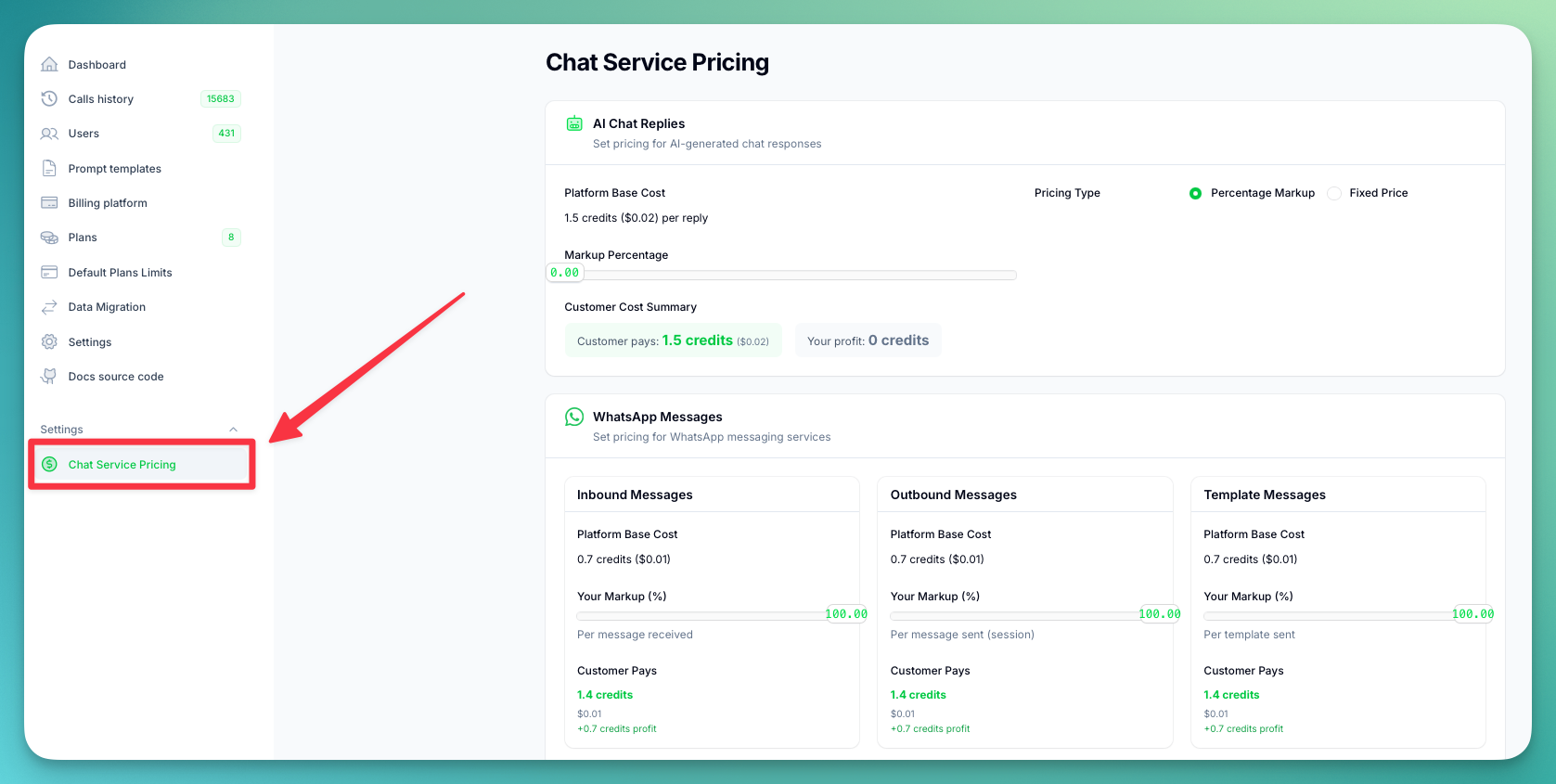
- Open your Administration Panel
- Navigate to Chat Service Pricing in the sidebar
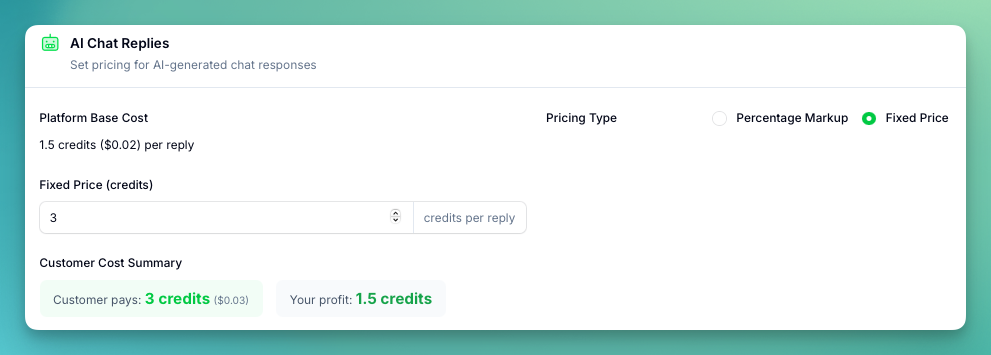
AI Chat Replies
Configure pricing for AI-generated chat responses. You can choose between two pricing methods: Percentage Markup — apply a markup (0–200%) on top of the platform base cost. The UI shows a real-time breakdown of the platform cost, customer price, and your profit.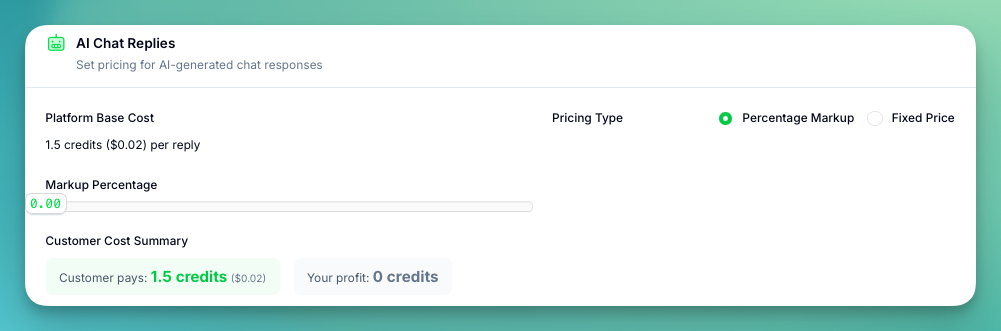
WhatsApp Messages
Configure pricing for WhatsApp messaging services. Each message type has its own markup slider (0–100%) applied on top of the platform base cost.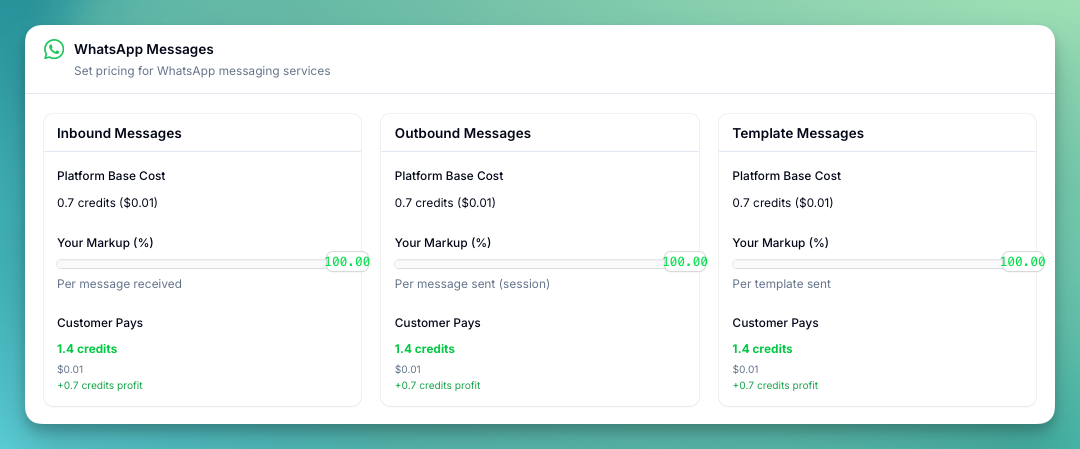
- Inbound Messages — per message received (base: 0.7 credits)
- Outbound Messages — per message sent during a session (base: 0.7 credits)
- Template Messages — per template message sent (base: 0.7 credits)
SMS Messages
Configure pricing for outbound SMS. Uses a markup slider (0–100%) on top of the platform base cost.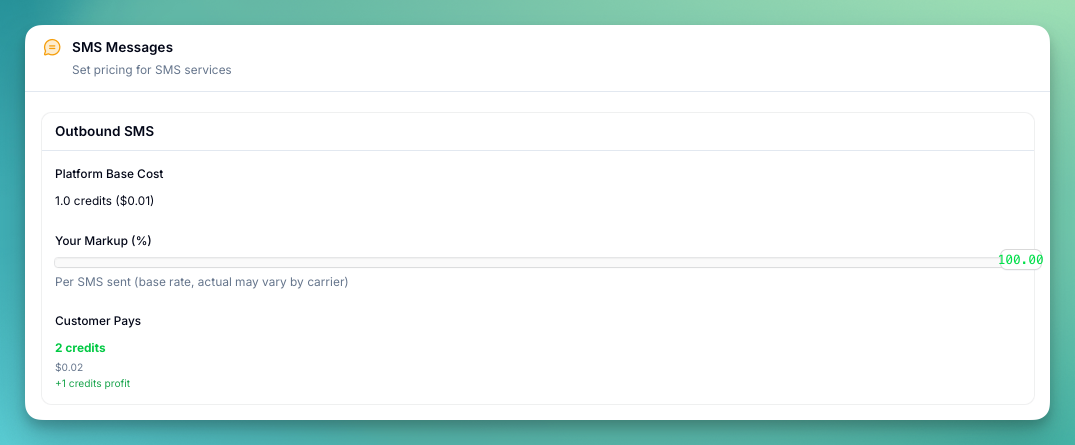
- Outbound SMS — per SMS sent (base: 1.0 credits, actual may vary by carrier)
Credits Exchange

How Credits Work
- 100 credits = $1 USD
- 9 credits = 1 minute (at platform rate)
- Credits are used for: AI replies, WhatsApp messages, and SMS
- Each service deducts the configured amount from the user’s credit balance
Changes to pricing take effect immediately for new messages. Existing conversation costs are not affected.