Creating a Template
Click New prompt template to create a new template.Basic Information
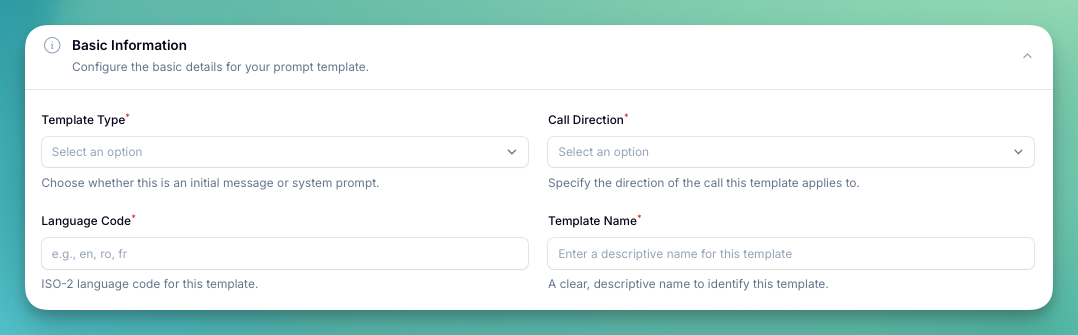
- Template Type — choose between:
- System Prompt — the main instructions that define the assistant’s behavior
- Initial Message — the first message the assistant sends when a call starts
- Flow — a template specifically for the Flow Builder
- Call Direction — whether this template applies to Inbound or Outbound calls
- Language Code — ISO-2 language code (e.g.,
en,ro,fr) - Template Name — a descriptive name to identify the template
Template Details
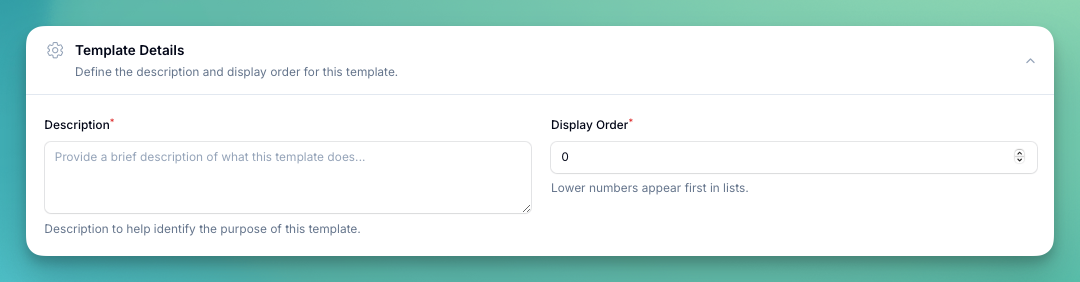
- Description — a brief explanation of what the template does, shown to users when selecting templates
- Display Order — lower numbers appear first in the list
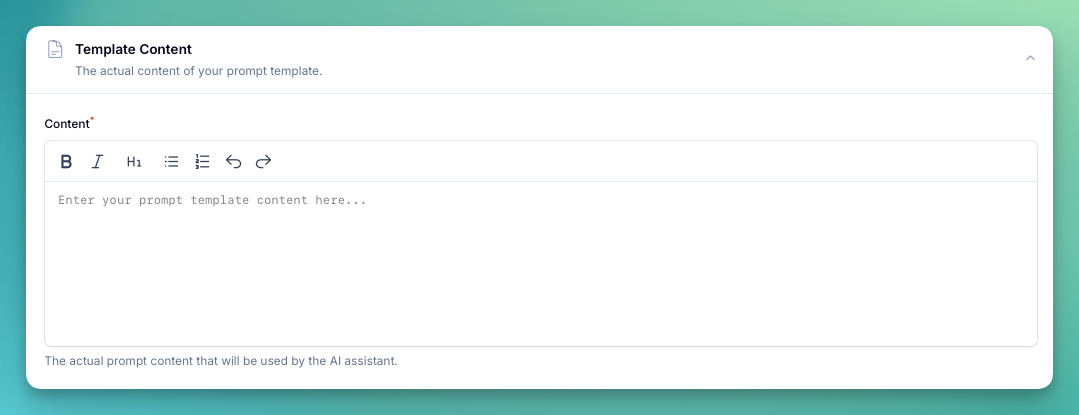
Template Content