

What counts
If Auto fails before doing anything with your message, the message is given back.
How many you have
Your plan sets a number of messages per month, and a smaller limit per week so a busy day doesn’t use up the whole month. The counter under the message box shows what is left. Hover or click it for the details.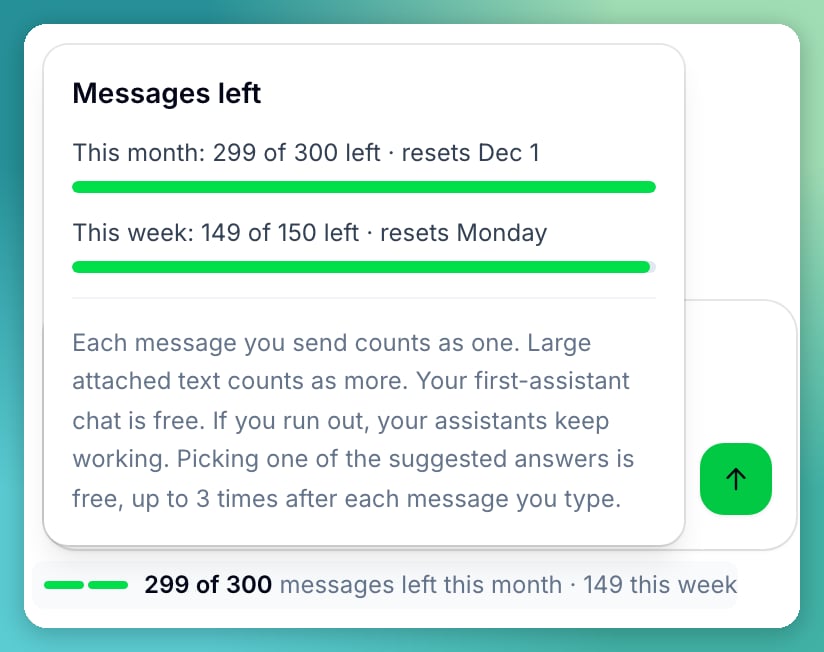
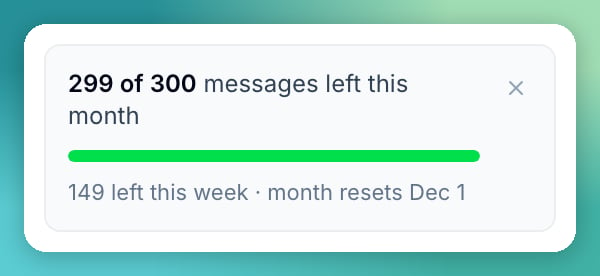
- The month resets on the date shown, for example resets Dec 1.
- The week resets on Monday.
- Both follow your account’s timezone.
On a trial you get a small number of messages for the whole trial, not per month. The counter reads
Trial: N of M messages left.
When you run out
You can still open your chats and read them. Your assistants keep working.Continue with minutes or credits
When the platform allows it, and the month’s messages are used, the chat offers Use minutes (or Use credits) so you can keep going.- Each extra message uses minutes or credits from your balance. The chat tells you how many before you choose.
- Your choice lasts until your month resets. If the price goes up, you are asked again.
- Only the account holder can choose it.
- It is not offered for the weekly limit or on a trial.